Manual Recording
Already know each step? Recording is the fastest path: perform the actions once in a real browser and TestDog parses them into editable structured steps.
Recording page: enter the start URL, then start recording
Recording flow
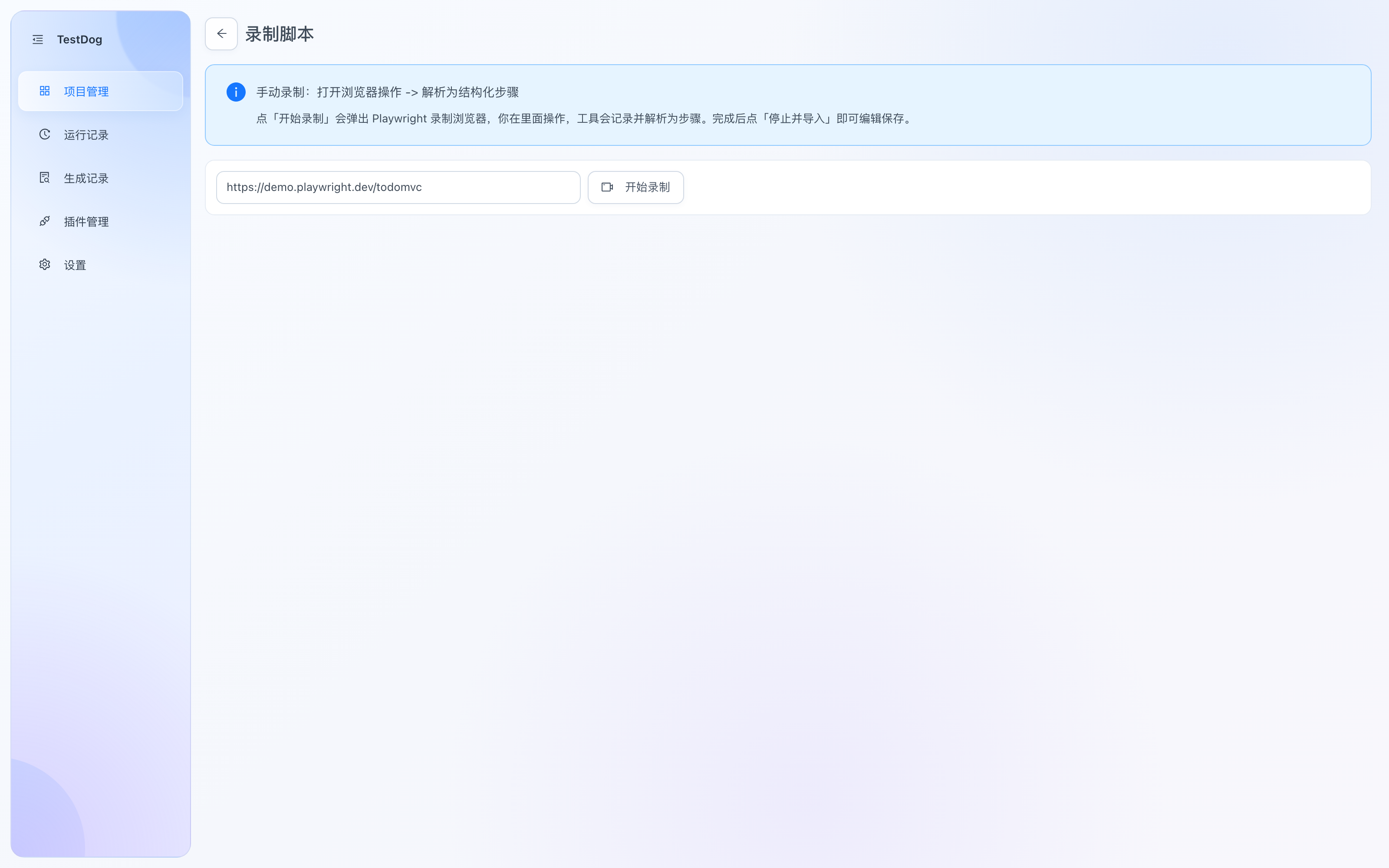
Recording page: enter the start URL and click Start Recording
- Click Record on the case detail, enter the start URL.
- Click Start Recording — a Playwright recording browser opens; operate the page normally (clicks, typing, selects…).
- When done, click Stop & Import. The recording is parsed into structured steps and saved into the script editor.
Editing steps
- Lines that can't be parsed are never dropped — they're kept as
rawfor manual cleanup. - Locators, input values and descriptions are all editable; write a clear description per step to ease future maintenance.
- Save or Save as New Version, then verify by replay (see Replay).
Login config
Don't record the login page into every script — capture the login state once with a login config (full guide: Test Data & Login):
- Open the login config manager via the 🔒 row action on the project list, and record the login flow once (e.g. username + password).
- AI generation can then start from a logged-in session, and replay reuses the state to skip login.
How long a login state stays valid depends on the system under test — re-record before each test session; you can also refresh it anytime via "re-record" in the manager after a session expires.